
Open menu
📱 Tap to Pay for collector teams at scale, no card readers needed. Learn More

Fundraise Anywhere, Anytime with the
GiveTap App

Smart, Simple, and Secure Fundraising at Your Fingertips

The GiveTap app transforms how you take donations, making it easier than ever to fundraise on the go. Accept payments via Tap to Pay or a card reader, customise your campaigns, and track your success—all in one powerful, user-friendly app.

Available on the App Store Get it on Google Play
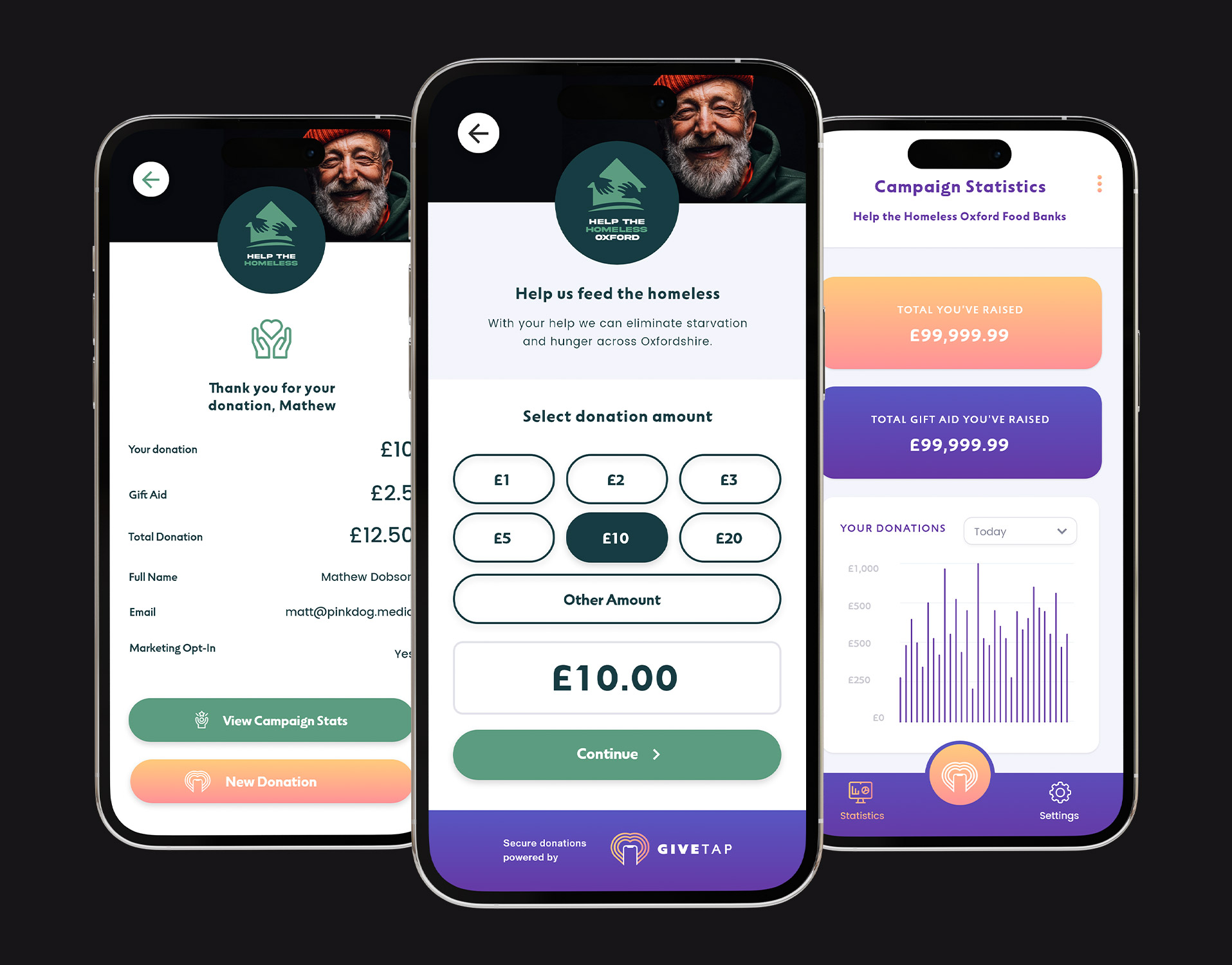
GiveTap donation and campaign statistics screens on phones

Powerful Fundraising,
In Your Pocket

Fundraising Freedom, Wherever You Are

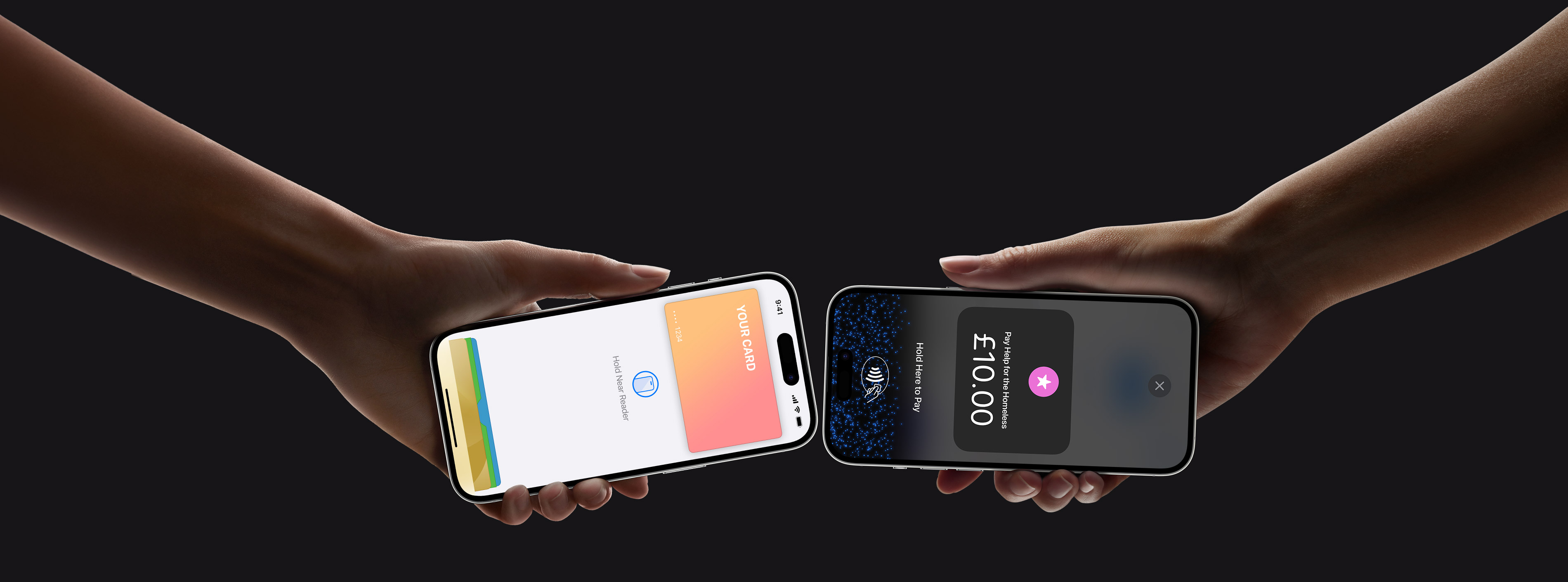
Card tapped against a phone to donate

Tap to Pay Donations

With Tap To Pay and GiveTap's App you can turn your smartphone into a contactless donation hub. No card reader or extra hardware is needed—just open the app, select your campaign, and let donors tap their card or phone to contribute instantly. It's fast, secure, and perfect for events or on-the-go fundraising.

From Setup to Donation in No-Time

Setting up your campaign is as easy as it gets. Upload your branding, choose donation amounts, and enable features like Gift Aid, all within minutes. Once you’re live, taking donations is just a tap away—simple, seamless, and designed to keep the focus on your cause.

Apple Pay, Visa, Mastercard and Google Pay

App Features to Boost Your Donations

Smart Features to Maximise Every Donation
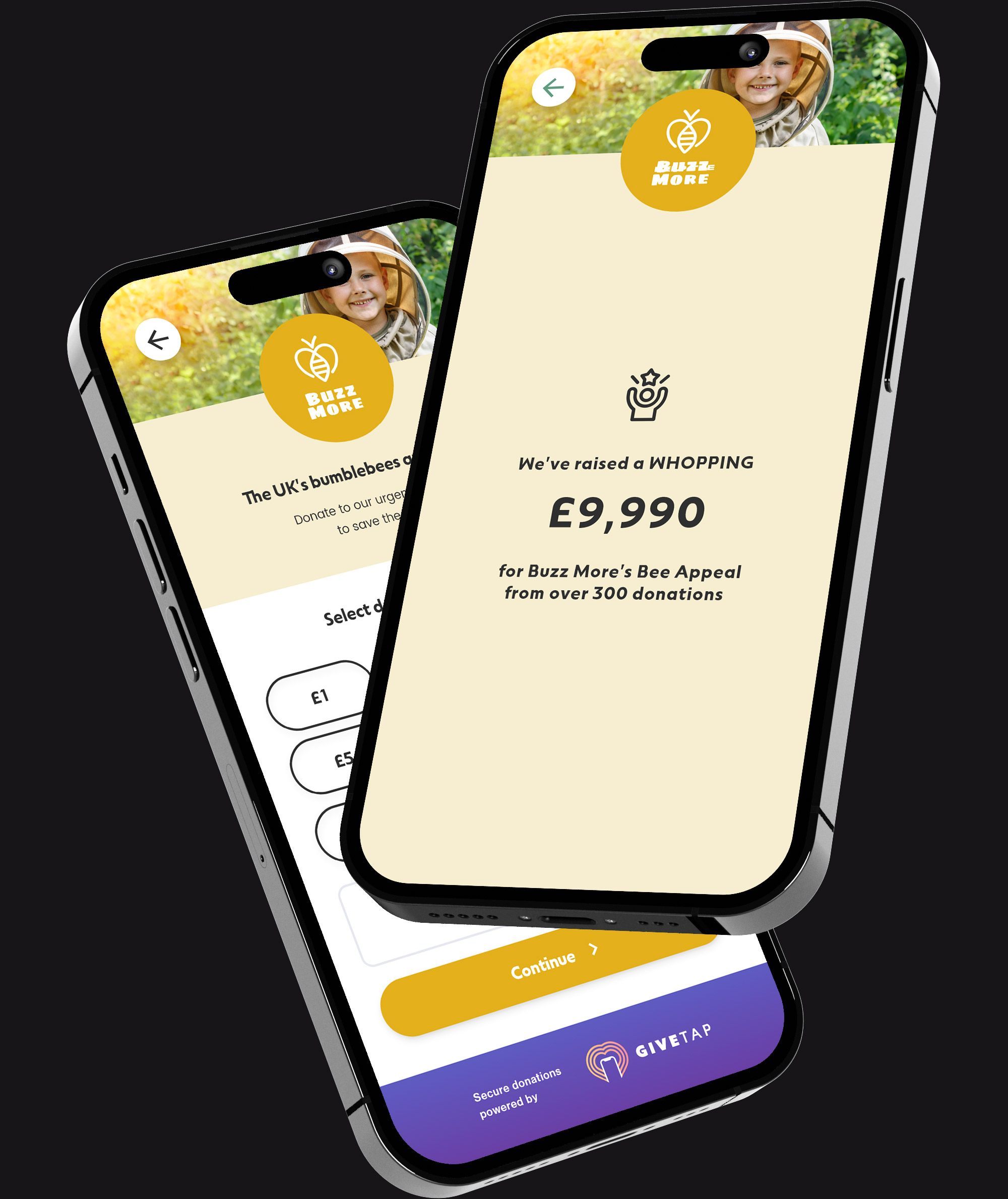
GiveTap app showing a campaign total
Seamless Cashless Payments

Accept donations via Tap to Pay or card reader, supporting all major payment types, including Apple Pay and contactless cards.

Gift Aid Integration

Boost the impact of every donation by easily collecting Gift Aid directly through the app.

Interactive Presentation View

Create a professional and engaging experience to captivate donors and drive more contributions.

Donation Insights Anywhere

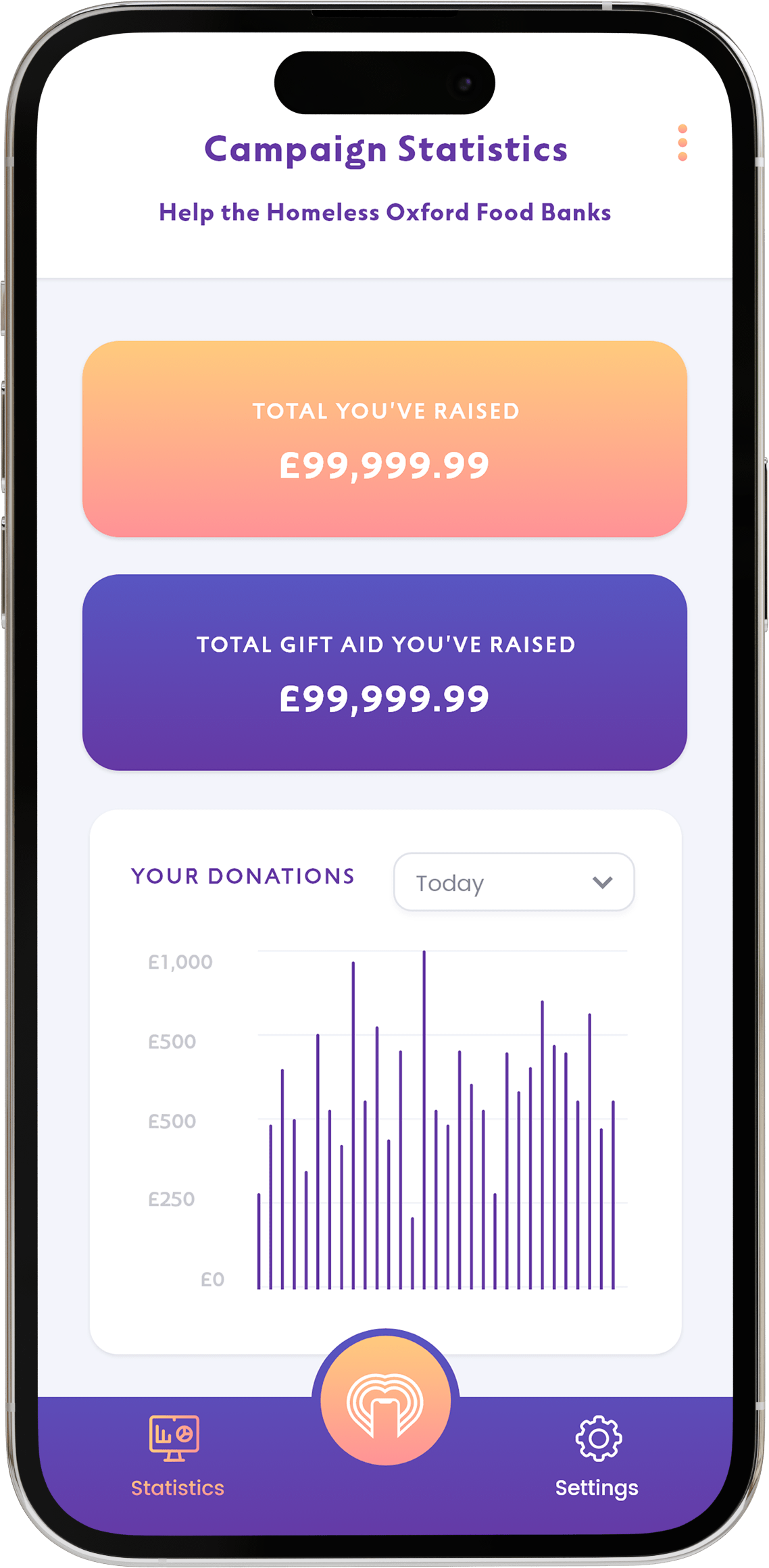
Access real-time statistics and track campaign performance directly from your device, anytime, anywhere.
How does The GiveTap Mobile App Work?

1. Create a Campaign

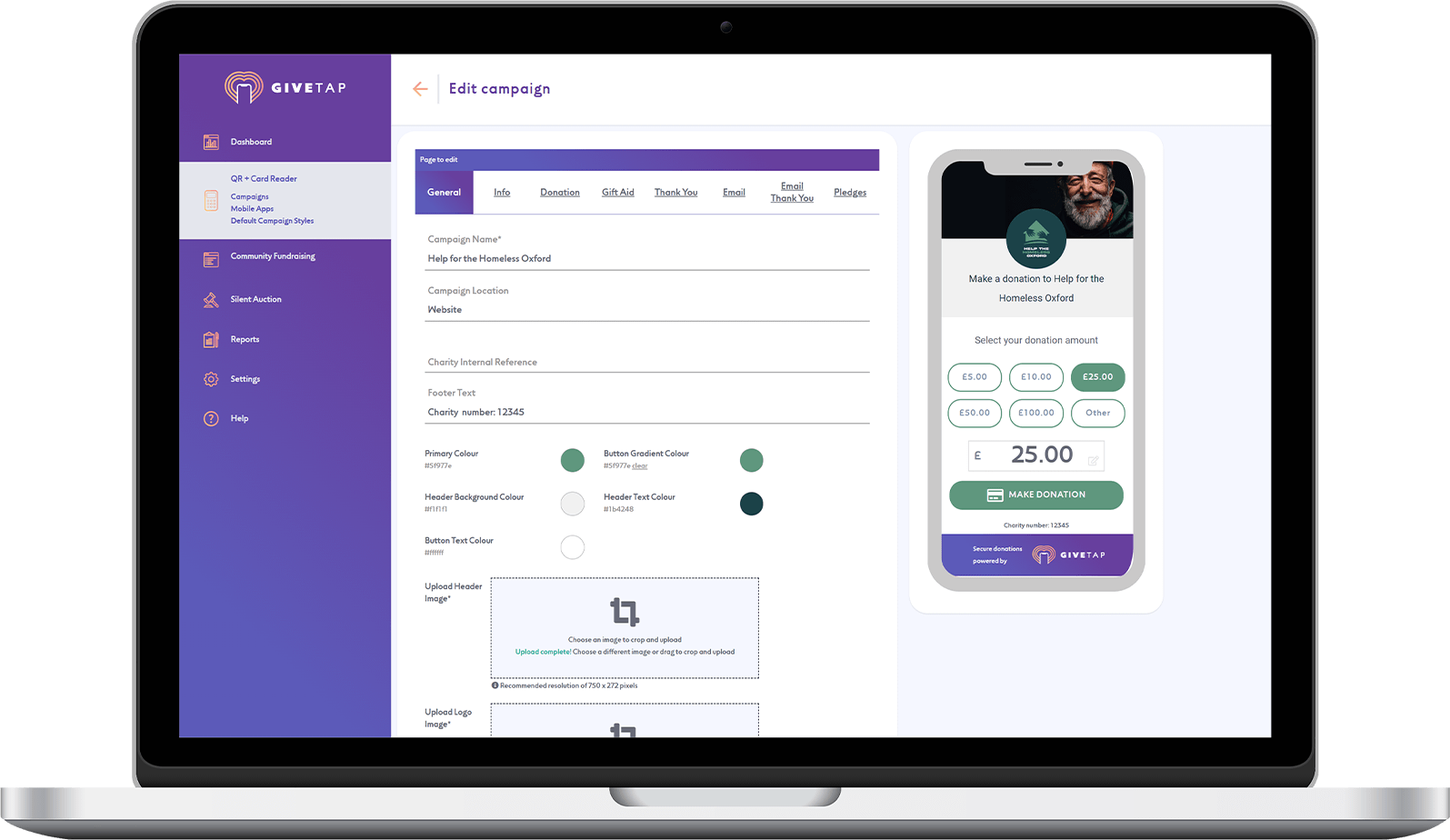
Set up a campaign by uploading your branding, selecting donation amounts, and configuring features like Gift Aid.

Creating a campaign in the GiveTap dashboard

2. Download the App & Activate Tap to Pay or Card Reader

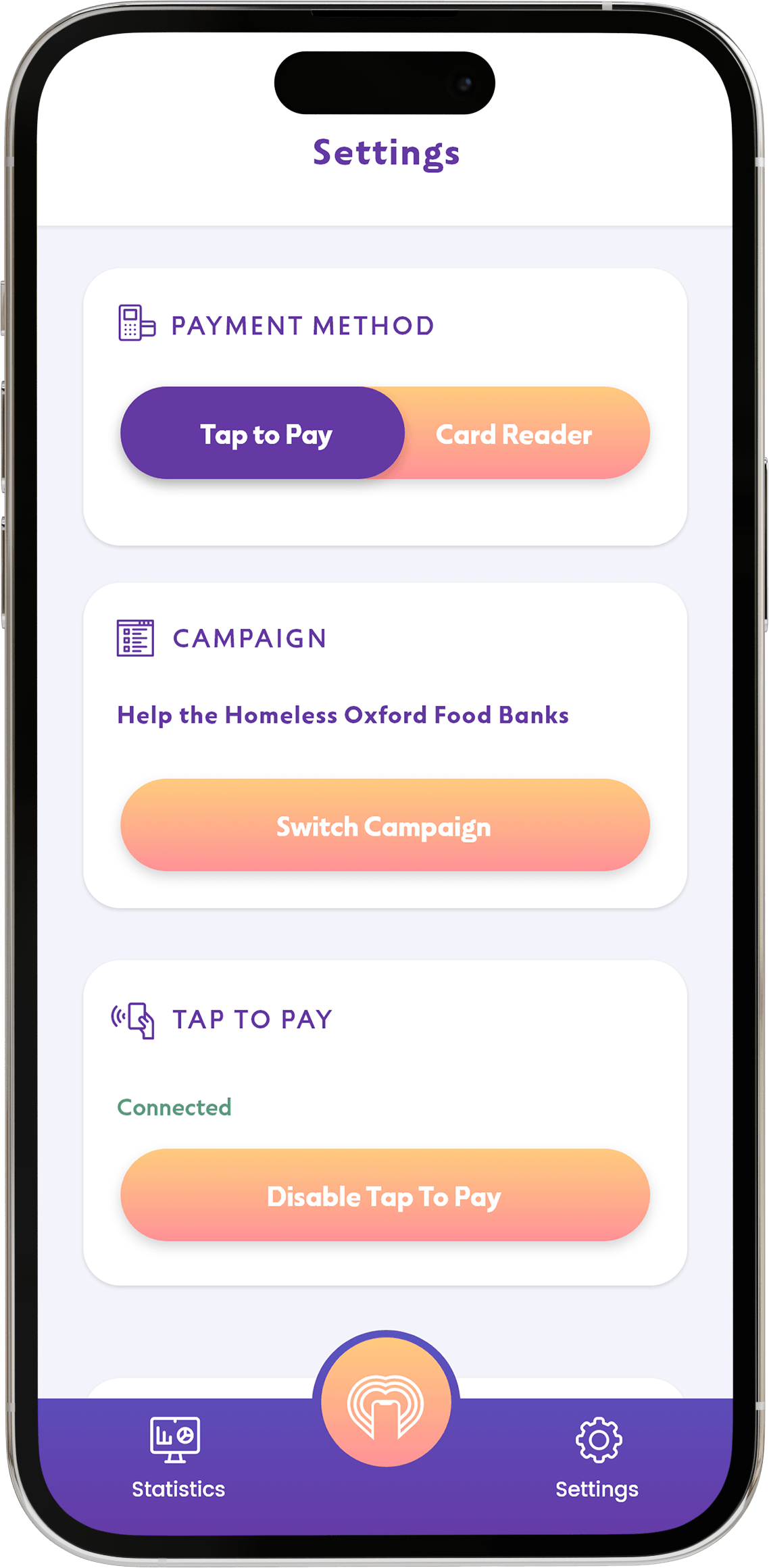
Download the GiveTap app, log in, and activate Tap to Pay to start accepting contactless donations instantly or connect your card reader.

Available on the App Store Get it on Google Play
GiveTap app with Tap to Pay switched on

3. Start Accepting Donations

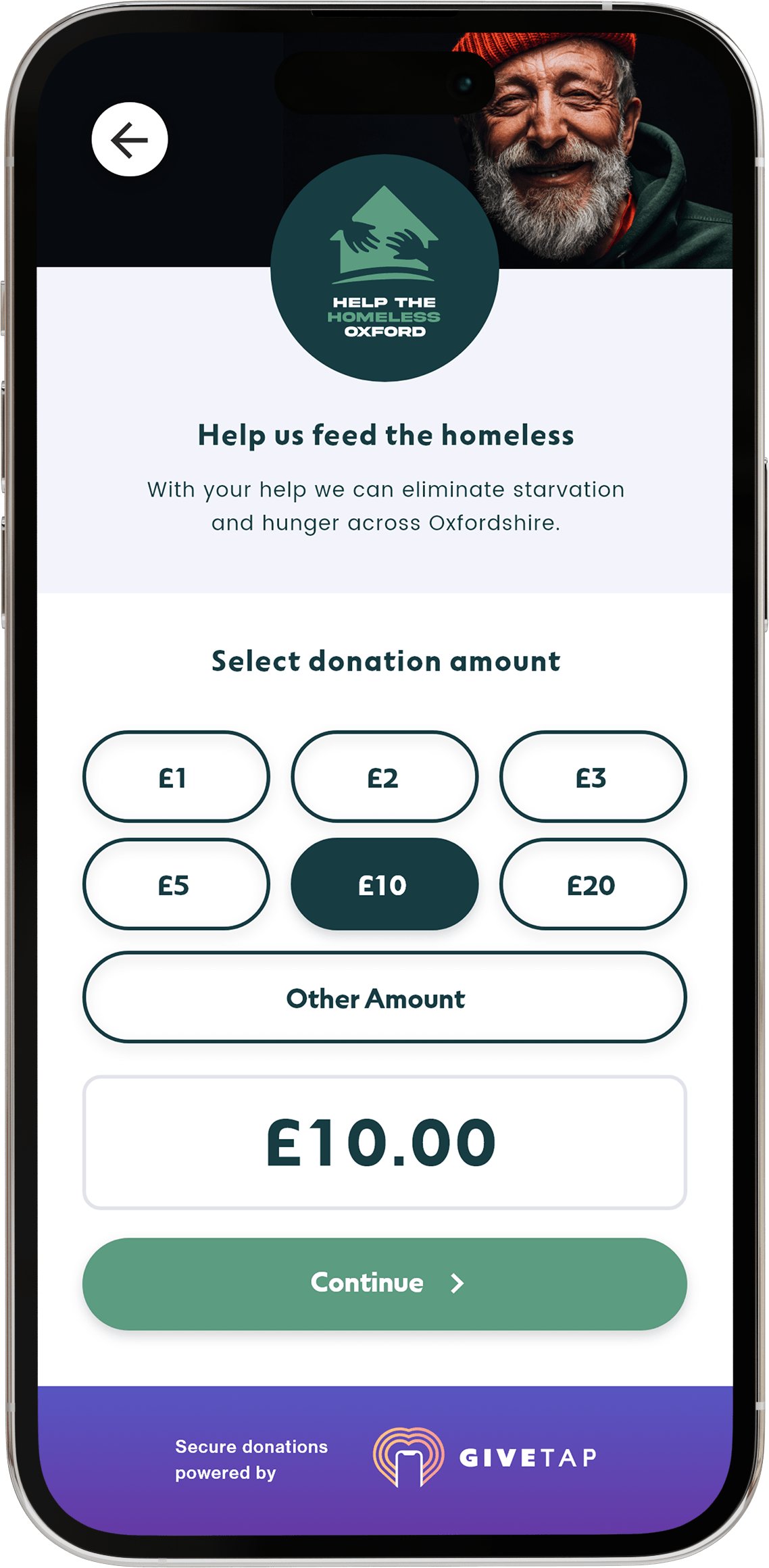
Select your campaign, and allow donors to tap their card or device on your phone to make a donation.

Donation page on a phone

4. Get Insights Anywhere

Track your donations and campaign performance effortlessly through the app or on any connected device.

Campaign statistics in the GiveTap dashboard

Accept all major payment types

Visa Mastercard American Express Apple Pay Google Pay

Trusted by 1,000+ charities nationwide

Ready to Upgrade Your Cashless Fundraising?